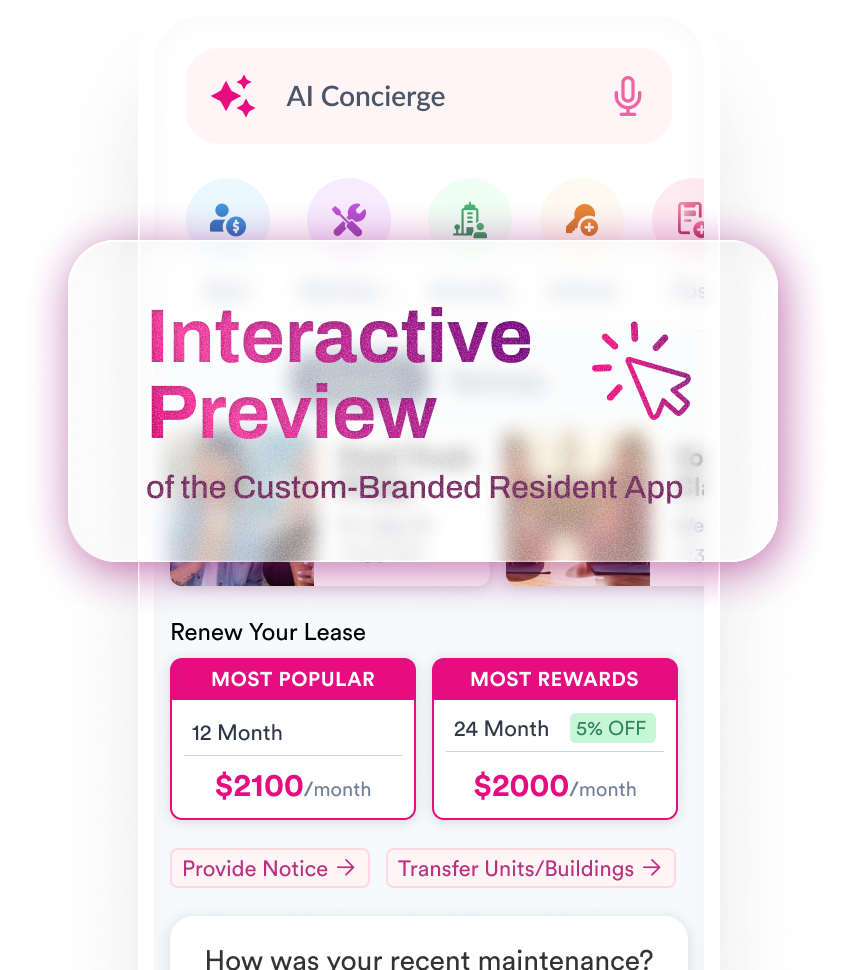

- Resident App
- Resident Events
- Solutions
ENGAGEMENT HUB
Engage residents 24/7CUSTOMER SERVICE HUB
Turn customer service into retentionOPERATIONS AUTOMATION HUB
Automate almost any processMARKETING & BRAND HUB
Build your brand & keep residents loyal - Integrations
- Lease Up
- Pricing
- Content Hub
LATEST PODCAST EPISODES
Hear from the industries top voicesLATEST CASE STUDIES
How PM’s are using Flamingo to win the retention game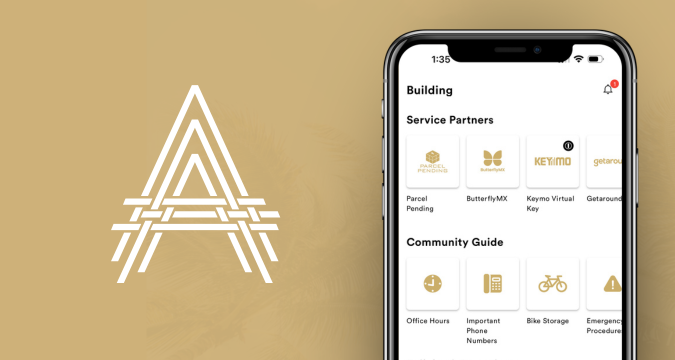


CONTENT & RESOURCES
Essential resources for Multifamily